Laptop Maintenance Tips for Professionals
13 Feb 2026, 10:24 PM IST
Laptop maintenance tips for professionals are essential to keep devices running efficiently in busy work environments. Neglecting proper care can lead to overheating, slow performance, and even hardware failure. Simple habits like cleaning vents, monitoring battery health, and updating software regularly ensure long-term productivity. For professional support, services from Lap Technology near Shahid Khudiram metro station, Garia station road, Kolkata, provide repairs, accessories, and expert guidance. Proper office laptop care reduces downtime, enhances speed, and safeguards important data while maintaining device reliability. Stay ahead with these essential laptop maintenance strategies.How do professionals keep laptops running smoothly?
Professionals maintain laptops by combining hardware care, software management, and smart usage practices. Cleaning keyboards, vents, and screens prevents overheating. Timely software updates and antivirus protection maintain speed and security. Monitoring battery health and seeking professional repairs when needed ensures that office laptops stay reliable and functional for demanding daily tasks.
Office Laptop Care
Hardware Cleaning
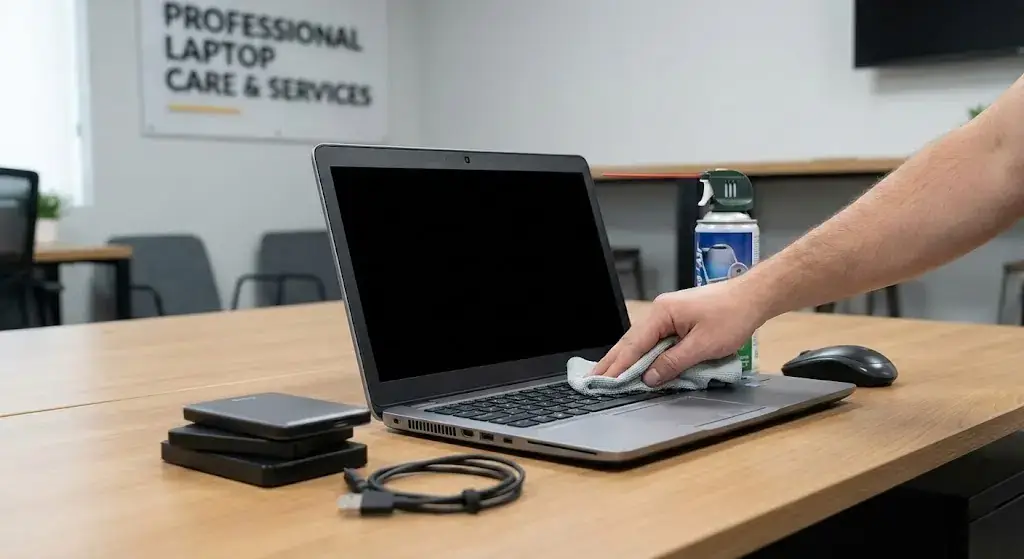
Regularly cleaning hardware keeps laptops cool and efficient. Dust, crumbs, and debris accumulate in vents and keyboards, causing fans to work harder. Using compressed air, soft brushes, or professional cleaning services from Lap Technology ensures airflow remains optimal. Thermal paste replacement also improves heat dissipation, extending laptop life without compromising performance.
Battery Management
Proper charging habits preserve battery life. Keeping the charge between 20–80%, avoiding constant plug-in, and monitoring battery health through system tools helps prevent sudden shutdowns. Replacing aging batteries at certified service centers ensures laptops remain portable and productive for professional tasks.
Software and Security
System Updates
Keeping the operating system, drivers, and software updated fixes bugs and improves overall performance. Updates can enhance security, reduce crashes, and optimize storage management. Regular updates are a key aspect of office laptop care.
Data Backup
Backing up files regularly is critical. Using cloud storage or external drives prevents data loss from hardware failure or accidental deletion. Professionals should combine antivirus protection and strong password protocols for maximum security.
Usage Habits
Proper Handling
Laptops should be used on flat, stable surfaces to maintain airflow. Avoid exposing them to spills, heat sources, or excessive dust. Closing unused applications prevents strain on CPU and memory, keeping devices responsive.
Peripheral Care
Cables, mice, and docking stations require attention. Ensuring ports are clean and connections are organized reduces the risk of damage. Accessories maintained properly complement office laptop care, improving overall device longevity.
Professional Maintenance Services
| Service | Pricing (INR) | Benefits |
|---|---|---|
| Fan Cleaning | 500–800 | Reduces noise, prevents overheating, extends fan life |
| Thermal Paste Replacement | 700–1200 | Enhances heat dissipation, stabilizes performance |
| Battery Check & Replacement | 1000–2500 | Prolongs battery lifespan, ensures consistent uptime |
| Software Optimization | 300–600 | Boosts speed, frees storage, improves security |
| Hardware Inspection | 500–1000 | Detects potential failures, improves reliability |
How often should office laptops be cleaned?
Cleaning vents, keyboards, and screens every 2–3 months keeps devices cool and prevents performance issues. Professional cleaning ensures thorough maintenance.
Do software updates really improve performance?
Yes. Updates fix bugs, optimize speed, enhance security, and reduce unexpected slowdowns or crashes.
When should laptop batteries be replaced?
Batteries should be replaced if they cannot hold sufficient charge, show degradation in system tools, or after 2–4 years of regular usage.
Can professional maintenance extend laptop life?
Absolutely. Services like fan cleaning, thermal paste replacement, and hardware inspection prevent overheating and hardware failure, improving device longevity.
Is data backup necessary for professionals?
Yes. Regular backups prevent loss of critical work files and ensure business continuity in case of accidental deletion or hardware failure.
How does Lap Technology support office laptop care?
Lap Technology offers repairs, cleaning, battery services, software optimization, and accessories, ensuring laptops remain efficient, secure, and reliable for professional use.